What Is a Checksum Error? Causes, Fixes, and Prevention (2026 Guide)
Learn what a checksum error is, why it occurs, and how to fix it on Windows, downloads, hard drives, and networks. A complete step-by-step guide.
Read article → Get a Free Quote
Blog/Tech
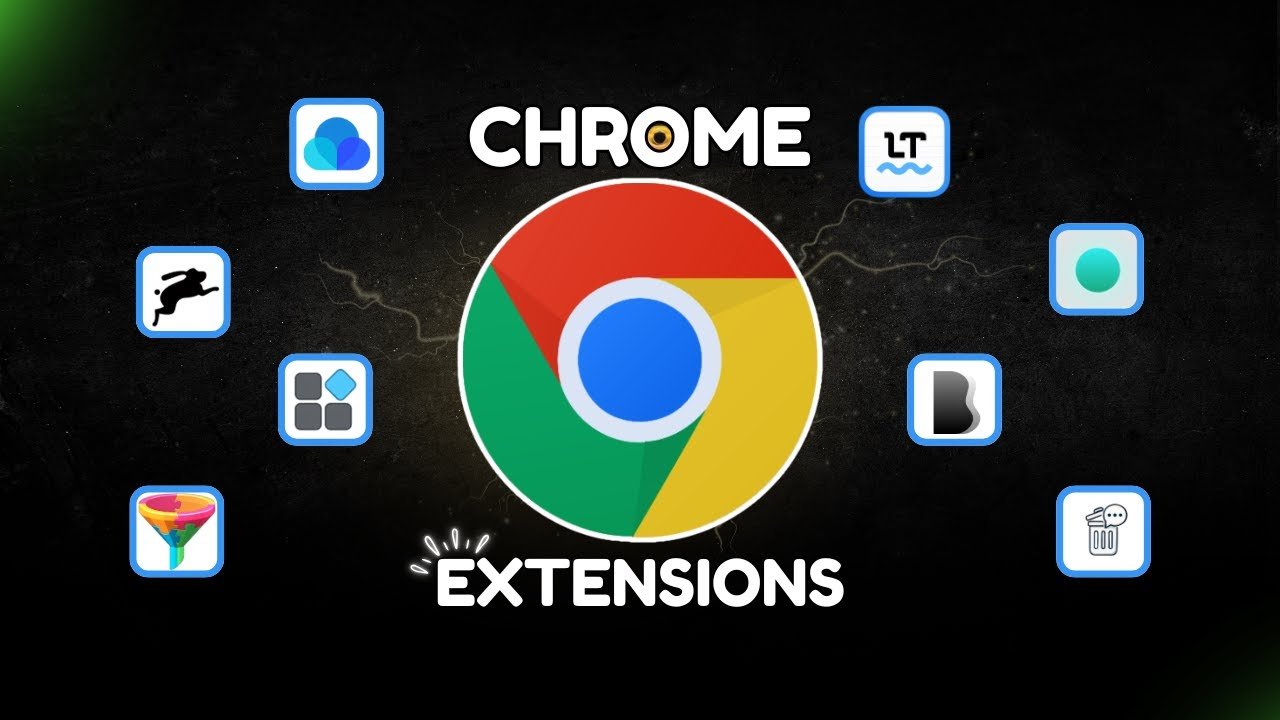
The best productivity Chrome extensions in 2026 are tools that eliminate time-wasting habits, automate repetitive tasks, and help you stay focused during work hours. Whether you are a freelancer, digital marketer, remote worker, or business owner, the right Chrome extensions can save you hours every single week — completely free.
This guide covers the most effective productivity Chrome extensions available right now, organized by category so you can find exactly what you need.
The average professional wastes over two hours every day on repetitive tasks, tab switching, and digital distractions. Chrome extensions solve these problems at the browser level — where most of your work actually happens.
Unlike standalone apps that require context switching, Chrome extensions work directly inside your browser, quietly automating tasks and removing friction from your workflow. The best ones are invisible until you need them — and indispensable once you do.
In 2026, with remote work and digital marketing workflows more complex than ever, having the right Chrome extensions installed is no longer optional for professionals who want to stay competitive.
Clockify Time Tracker
Clockify is one of the most downloaded Chrome extensions for productivity because it solves a universal problem — knowing where your time actually goes. With one click, you can start and stop a timer on any website or task, categorize your time by project or client, and generate detailed reports at the end of the week.
For freelancers billing by the hour and agency owners tracking team productivity, Clockify is essential. The Chrome extension integrates directly with project management tools so you can track time without leaving your workflow.
StayFocusd
StayFocusd is the most effective free Chrome extension for blocking distracting websites during work hours. You set a daily time limit for specific sites — social media, news sites, YouTube — and once that limit is reached, those sites are blocked for the rest of the day.
The nuclear option feature is particularly powerful: it blocks all distracting sites for a set period with no way to override the restriction. For professionals who struggle with self-discipline online, this extension consistently delivers measurable improvements in focus.
Grammarly
Grammarly remains one of the best productivity Chrome extensions for anyone who writes professionally. It checks grammar, spelling, tone, and clarity in real time across every website — emails, Google Docs, social media, CRM platforms, and anywhere else you type in Chrome.
The 2026 version includes AI-powered suggestions that go beyond simple corrections, offering full sentence rewrites and tone adjustments. For digital marketing professionals writing client emails, ad copy, and content daily, Grammarly saves significant time while improving output quality.
Compose AI
Compose AI is an underused gem among productivity Chrome extensions. It autocompletes sentences as you type using AI, learning your writing style over time. For repetitive communication — email responses, standard replies, proposal templates — it can reduce typing time by up to 40 percent.
OneTab
OneTab solves one of the most common browser productivity problems: tab overload. When you have 30 open tabs slowing down your computer and cluttering your workspace, OneTab converts all of them into a single list with one click. This instantly reduces memory usage and eliminates the visual noise that fragments focus.
You can restore individual tabs or all tabs at once, and your tab groups are saved even after closing the browser. For researchers, content creators, and anyone who works with multiple reference sources, OneTab is transformative.
Toby for Chrome
Toby takes tab management further by letting you organize tabs into collections — similar to bookmark folders but far more visual and accessible. You can group tabs by project, client, or topic, and access any collection with a single click from the new tab page.
For digital marketing agencies managing multiple client campaigns simultaneously, Toby creates clear visual separation between different workstreams without the chaos of dozens of open tabs.
MozBar
MozBar is one of the most downloaded Chrome extensions for productivity among SEO professionals. It displays domain authority, page authority, and link metrics directly in your search results and on any webpage you visit — without opening any additional tools.
For content research, competitor analysis, and link prospecting, having these metrics visible at a glance saves hours of manual checking each week. If you are working on SEO for real estate agents or any niche SEO campaign, MozBar is a daily essential.
Keywords Everywhere
Keywords Everywhere shows search volume, cost per click, and competition data directly on Google search results pages. Instead of switching to a keyword research tool every time you want to evaluate a term, this extension surfaces the data inline — dramatically speeding up keyword research workflows.
For content teams, PPC managers, and SEO specialists, Keywords Everywhere reduces the friction of keyword research to almost zero. Understanding keyword data is fundamental to everything from how to get 100k views on reels to ranking service pages for high-intent searches.
Similarweb
Similarweb’s Chrome extension shows website traffic estimates, traffic sources, bounce rates, and audience data for any website you visit. For competitive research, client prospecting, and market analysis, this data is invaluable — and having it visible with a single click in your browser removes the need to open a separate tool.
Asana for Chrome
The Asana Chrome extension lets you create tasks directly from your browser without switching to the Asana app. When you find something that needs action — an email requiring a response, a webpage requiring review, a resource to share with a teammate — you can turn it into an Asana task in seconds.
For remote teams and digital agencies managing complex projects, this extension eliminates the friction of context switching that typically causes tasks to fall through the cracks.
Loom Screen Recorder
Loom’s Chrome extension lets you record your screen, camera, or both, and instantly share the recording via a link. For team communication, client feedback, and training documentation, Loom replaces long explanatory emails with short videos that convey context far more effectively.
In agencies and remote work environments, Loom consistently reduces back-and-forth communication, saving teams significant time on explanations that are more easily shown than described.
LastPass or Bitwarden
Password managers are among the most overlooked best Chrome extensions for productivity. The average professional spends over 10 minutes per day on password-related friction — resetting forgotten passwords, typing credentials, and dealing with login errors.
LastPass and Bitwarden both auto-fill credentials across every website, generate strong unique passwords, and sync across devices. The time saved adds up to hours per month, while simultaneously improving security across all your accounts.
Pocket’s Chrome extension lets you save any webpage, article, or resource to read later with a single click. Instead of keeping dozens of tabs open as reading reminders, or losing interesting content you meant to revisit, Pocket creates a clean reading list accessible from any device.
For content researchers, marketers staying current with industry trends, and anyone who curates information professionally, Pocket transforms how you manage reading material.
Mercury Reader
Mercury Reader strips all ads, navigation, and clutter from any webpage and presents just the article text in a clean, readable format. For deep reading and research sessions, this extension dramatically improves focus by eliminating visual noise that pulls attention away from the content.
With thousands of extensions available, the key is choosing tools that solve your specific friction points rather than installing everything that sounds useful. Too many extensions slow down your browser and create new complexity.
The most effective approach is to identify your three biggest time drains — whether that is distraction, tab management, communication, research, or repetitive tasks — and install one targeted extension for each. Test each one for two weeks before adding more.
For digital marketers and agency owners, the combination of a focus tool like StayFocusd, an SEO tool like MozBar or Keywords Everywhere, and a communication tool like Grammarly or Loom covers the majority of productivity gains available through Chrome extensions.
Understanding what does an SEO agency do helps clarify which extensions matter most for agency workflows — tools that speed up research, client communication, and reporting deliver the highest return on the few seconds it takes to install them.
What are the best free productivity Chrome extensions in 2026? The best free options include Grammarly for writing, OneTab for tab management, StayFocusd for focus, Clockify for time tracking, and MozBar for SEO research. All of these are free with optional premium upgrades and deliver immediate productivity improvements for most professionals.
Do Chrome extensions slow down your browser? Some extensions do consume memory and can slow page loading, particularly those that run scripts on every page. The key is installing only extensions you actively use and periodically reviewing your installed extensions to remove ones that no longer serve your workflow.
What are the best Chrome extensions for digital marketers? Digital marketers benefit most from MozBar, Keywords Everywhere, Similarweb, Grammarly, and Loom. These tools cover the core workflows of SEO research, competitive analysis, content writing, and client communication — the four areas where digital marketing professionals spend the most time.
Can Chrome extensions improve SEO workflows? Significantly — tools like MozBar and Keywords Everywhere surface SEO data directly in search results and on competitor pages, eliminating the need to switch between tools constantly. This is particularly valuable for professionals managing landing page optimization and content strategy simultaneously.
How many Chrome extensions should I install? Most productivity experts recommend installing no more than 10 to 15 extensions and actively using at least 80 percent of them regularly. Quality over quantity — five well-chosen extensions that solve real problems deliver more value than 30 extensions you rarely use.
The best productivity Chrome extensions in 2026 are the ones that remove friction from the tasks you do every day. Start with the areas where you lose the most time — focus, communication, research, or task management — and install one targeted solution for each.
The cumulative effect of several well-chosen extensions is significant. Professionals who build a deliberate browser toolkit consistently report saving two to three hours per week — time that compounds over months and years into a meaningful productivity advantage.
For businesses looking to build a complete digital workflow that maximizes team productivity alongside organic growth, contact Nextechforce for a free consultation.
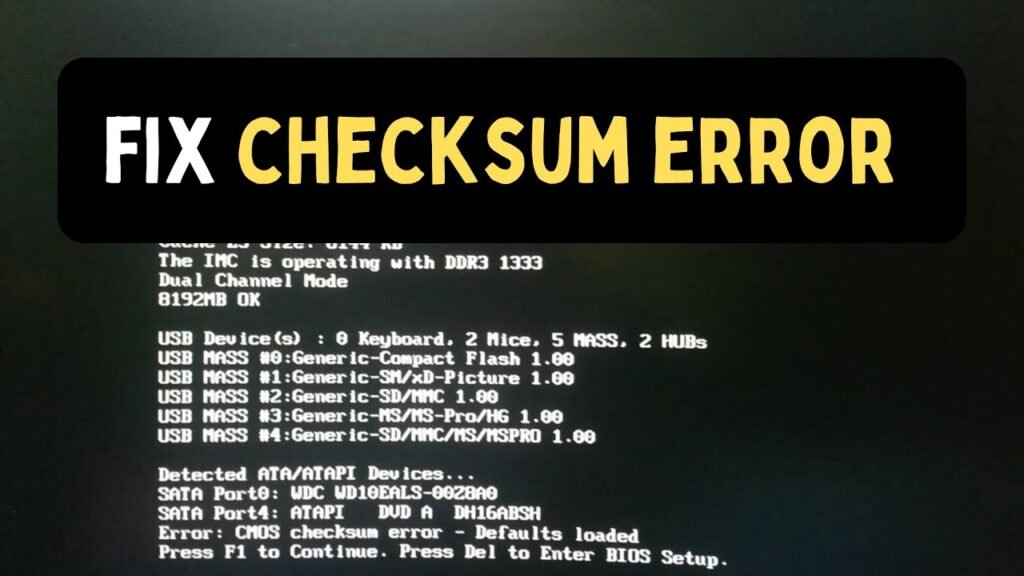
Learn what a checksum error is, why it occurs, and how to fix it on Windows, downloads, hard drives, and networks. A complete step-by-step guide.
Read article →
Need SEO services in UAE? Learn what's included, how pricing works, and how to rank in Dubai and Abu Dhabi on Google and AI search.
Read article →
What is SERP insight link insertion and how does it work? This complete guide explains everything — from finding the right pages to placing contextual links that actually move your Google rankings in 2026.
Read article →Join our community and keep up with everything happening in the tech world. We'll deliver insights, news, and tips straight to your inbox.